
A face that talks
A 3D face from Wireface's face engine, lip-synced to every word, with moods that follow the conversation. Pick one of twelve faces, make one from a photo, or style it as a glowing wireframe.
Wireface Chat · for your website
An AI chatbot your visitors can talk to. It answers with a lip-synced face and a real voice, looks at what they show it, knows your business, uses your tools, and hands over to your team when it should. Add it to any site with one line of code.
The demo is Wireface Chat itself, running on its own docs: ask it anything about the product, type or talk. Explore the admin opens a demo workspace with a sample bot to change and talk to, no sign-in needed. Start free signs you in with your wireface.dev account (a code by text) and gives you a workspace of your own.
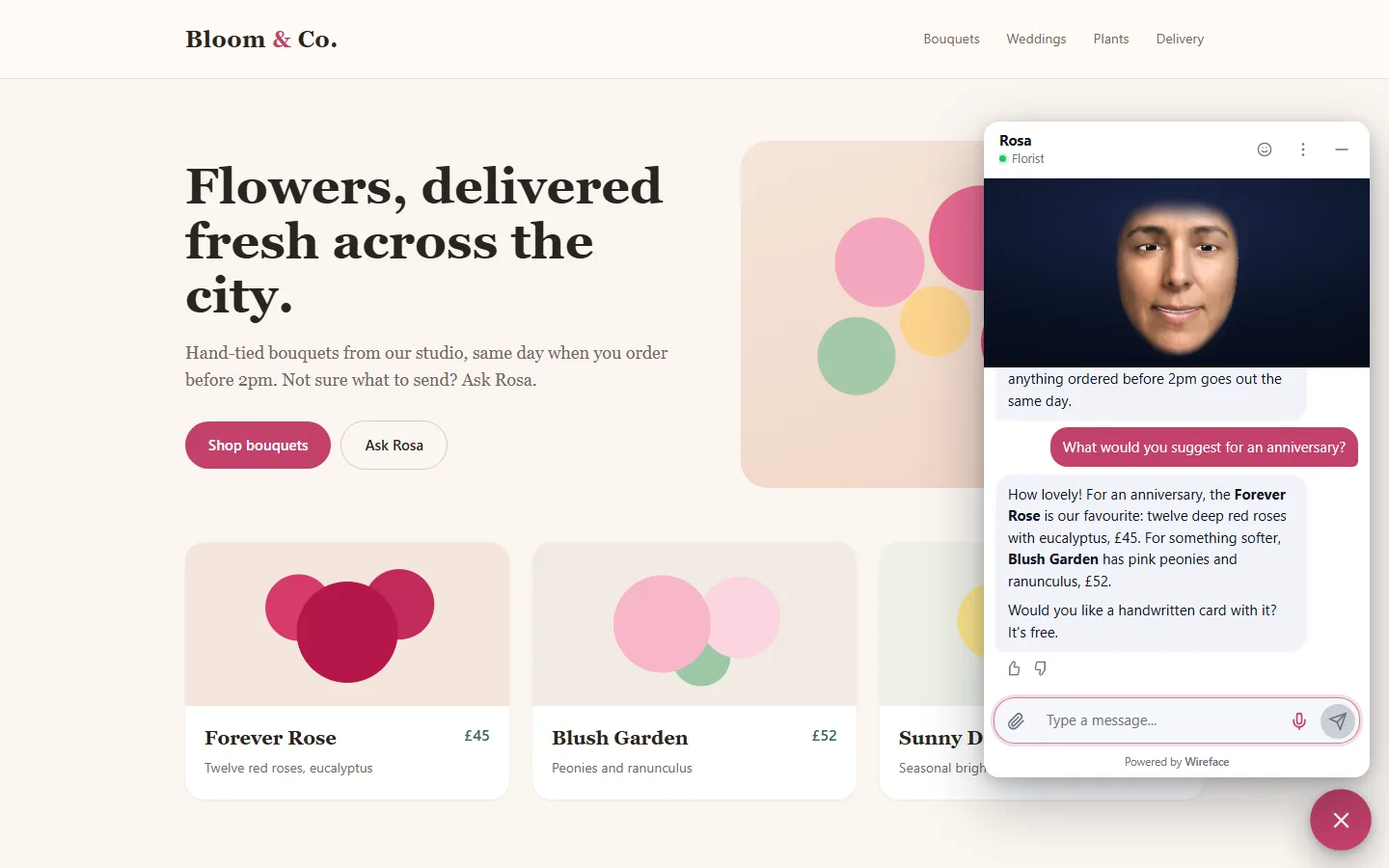
Try it on this page
The demo assistant is a Wireface Chat bot that has read the docs. Pick a layout to see how it sits on a website, then ask it something.
The demo has a daily limit, and what you say goes to Google's Gemini API. Please don't share personal details. More in the privacy notice.
What it does
A 3D face from Wireface's face engine, lip-synced to every word, with moods that follow the conversation. Pick one of twelve faces, make one from a photo, or style it as a glowing wireframe.
Visitors press the microphone and just talk, and can interrupt it like a person. It runs on Gemini Live or OpenAI Realtime, or gives Claude a voice from ElevenLabs. Typed replies can be read aloud too.
Visitors can send a photo of a broken part, a rash on a plant or a page they're stuck on. With their permission, it can look through the webcam too, and talk about what it sees.
Point it at your website, sitemap, help pages or files. It answers from them and says where the answer came from, and a report shows the questions it couldn't answer, so you know what to write next.
Connect it to your systems with HTTP tools or MCP servers, or let it act on the page itself: add to a basket, open a product, fill a form. Anything that changes something can ask the visitor first.
It hands over to a person when asked, or when it should. Your team sees every conversation live, takes over, writes notes, and hands back. Leads, ratings and webhooks go where you need them.
Fits your site
A bubble or a tab on the edge, a panel, a full-height drawer, a face floating over the page, or inline in your own layout. It takes your colours and full-screens on phones.
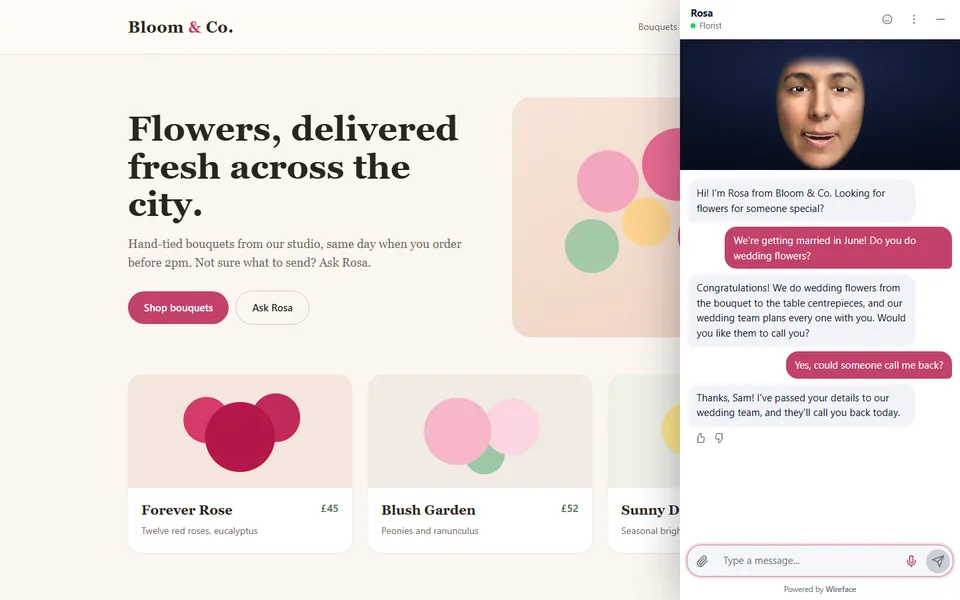
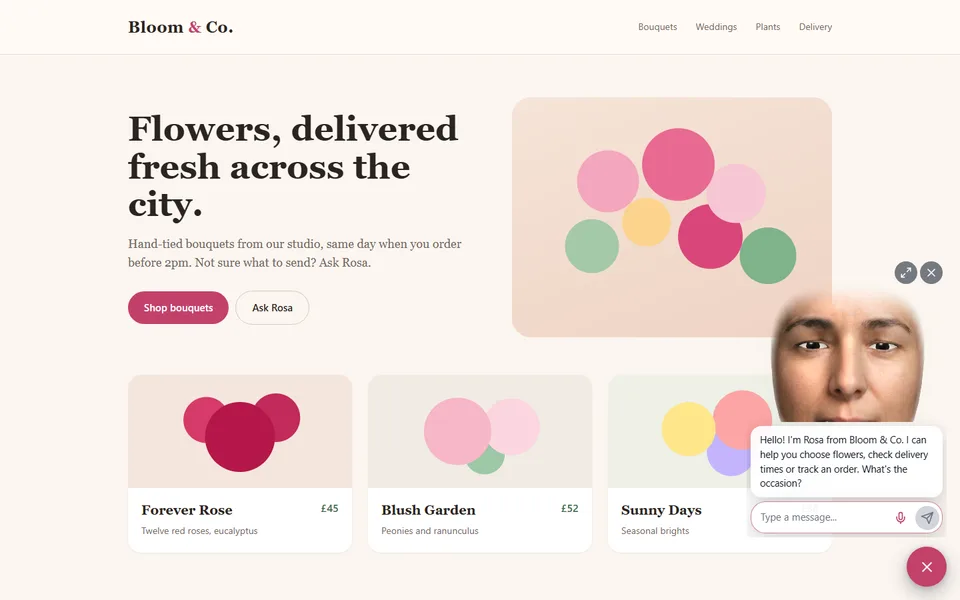
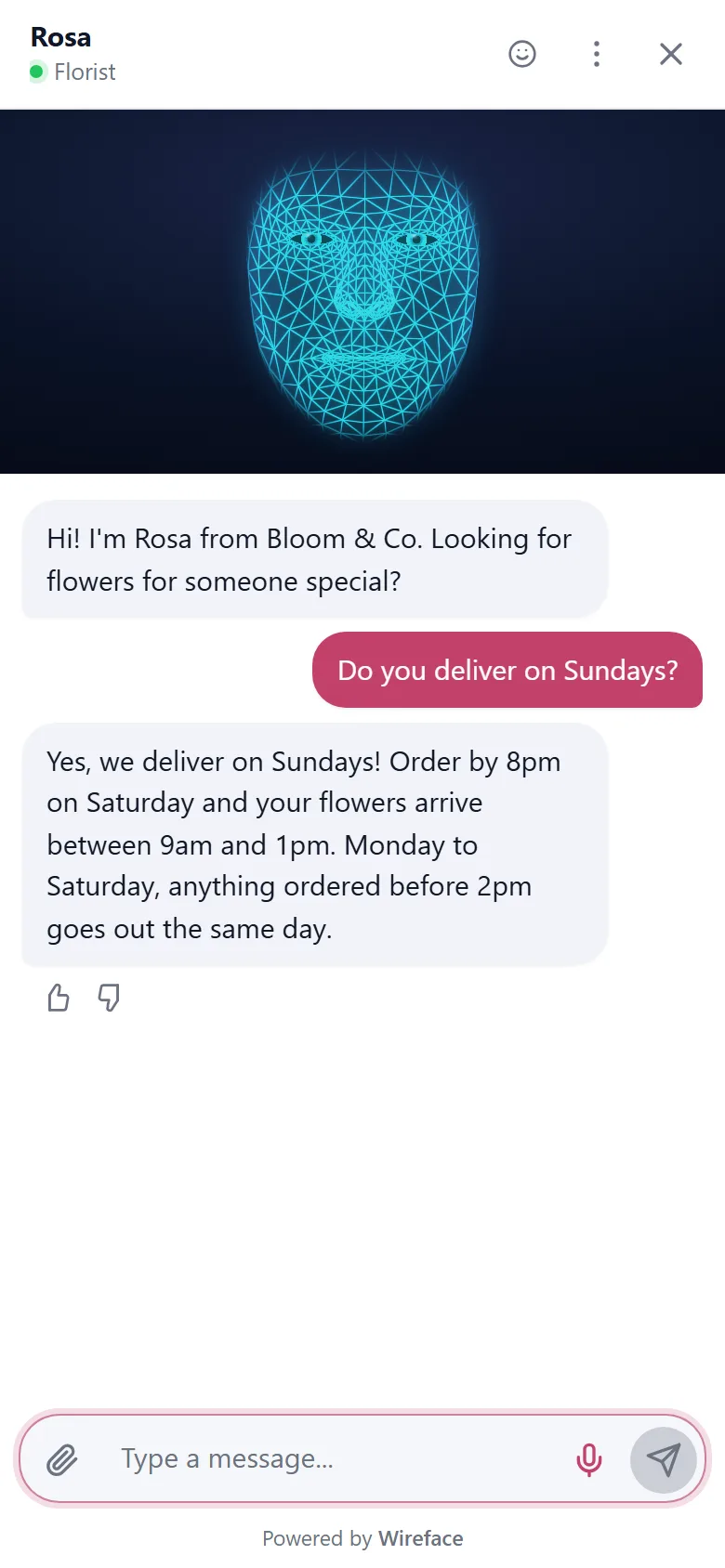
The admin panel
Choose a face and a voice, write its personality, give it knowledge and tools, and watch the change in a live preview before you publish. Then follow every conversation as it happens.
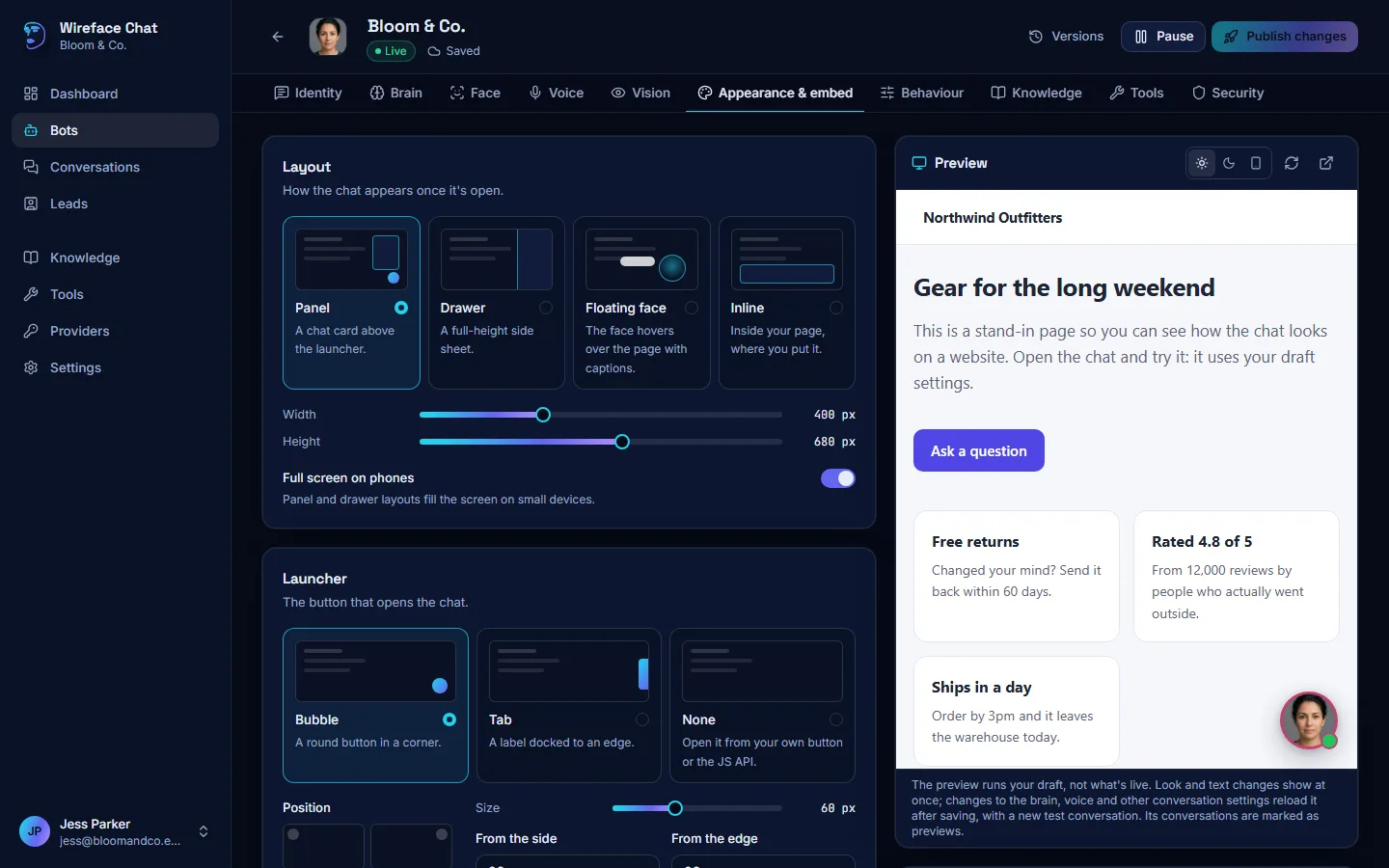
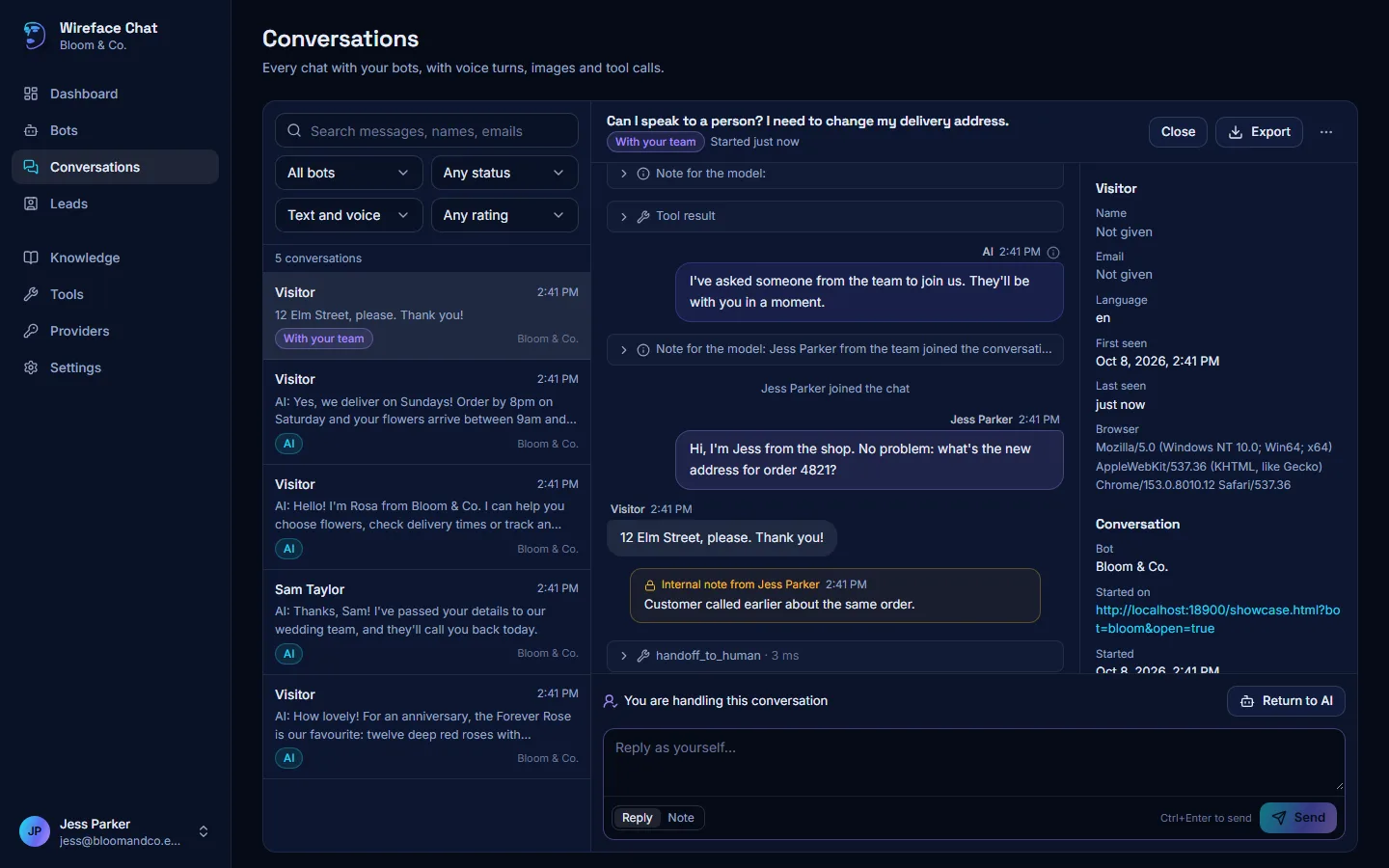
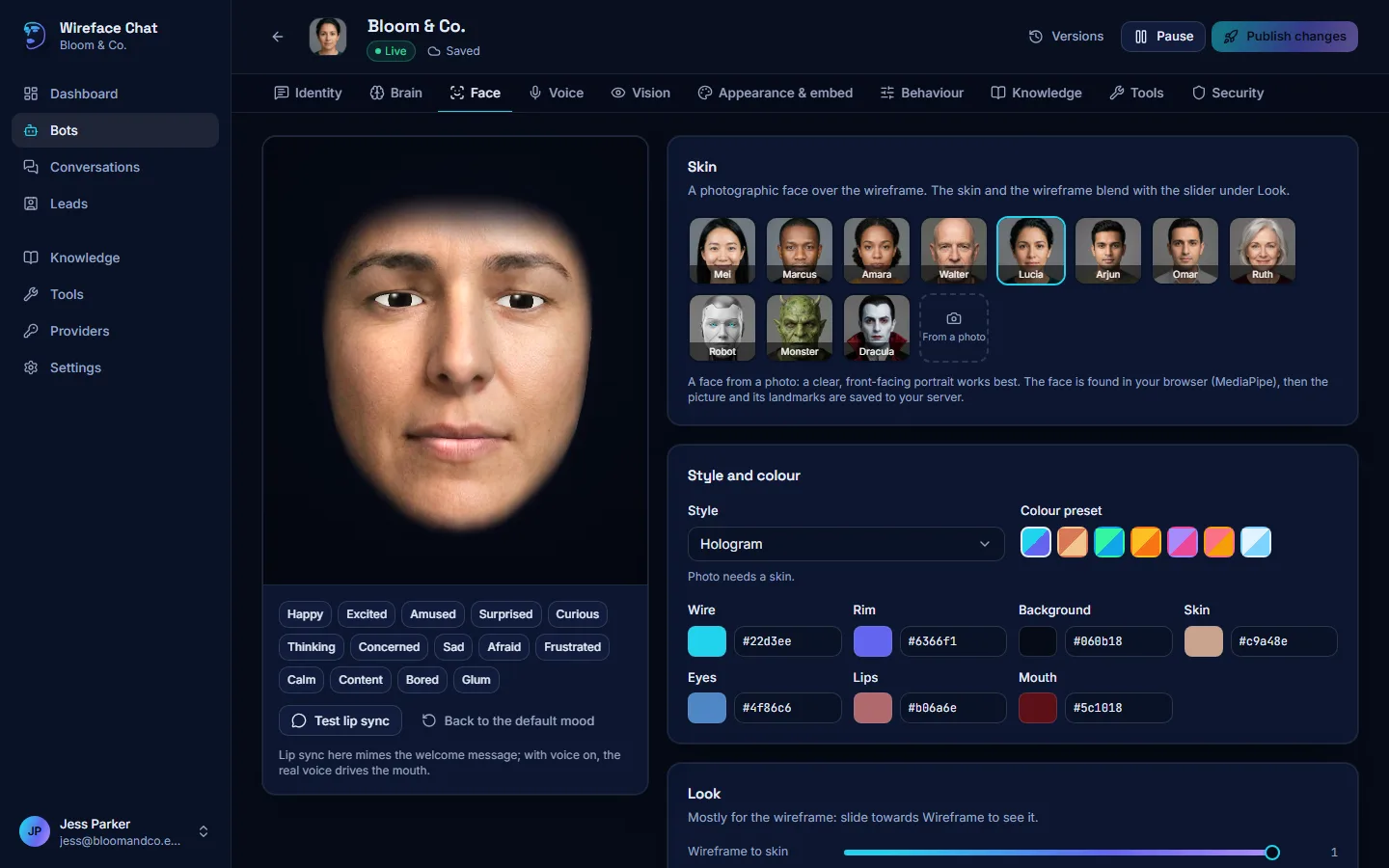
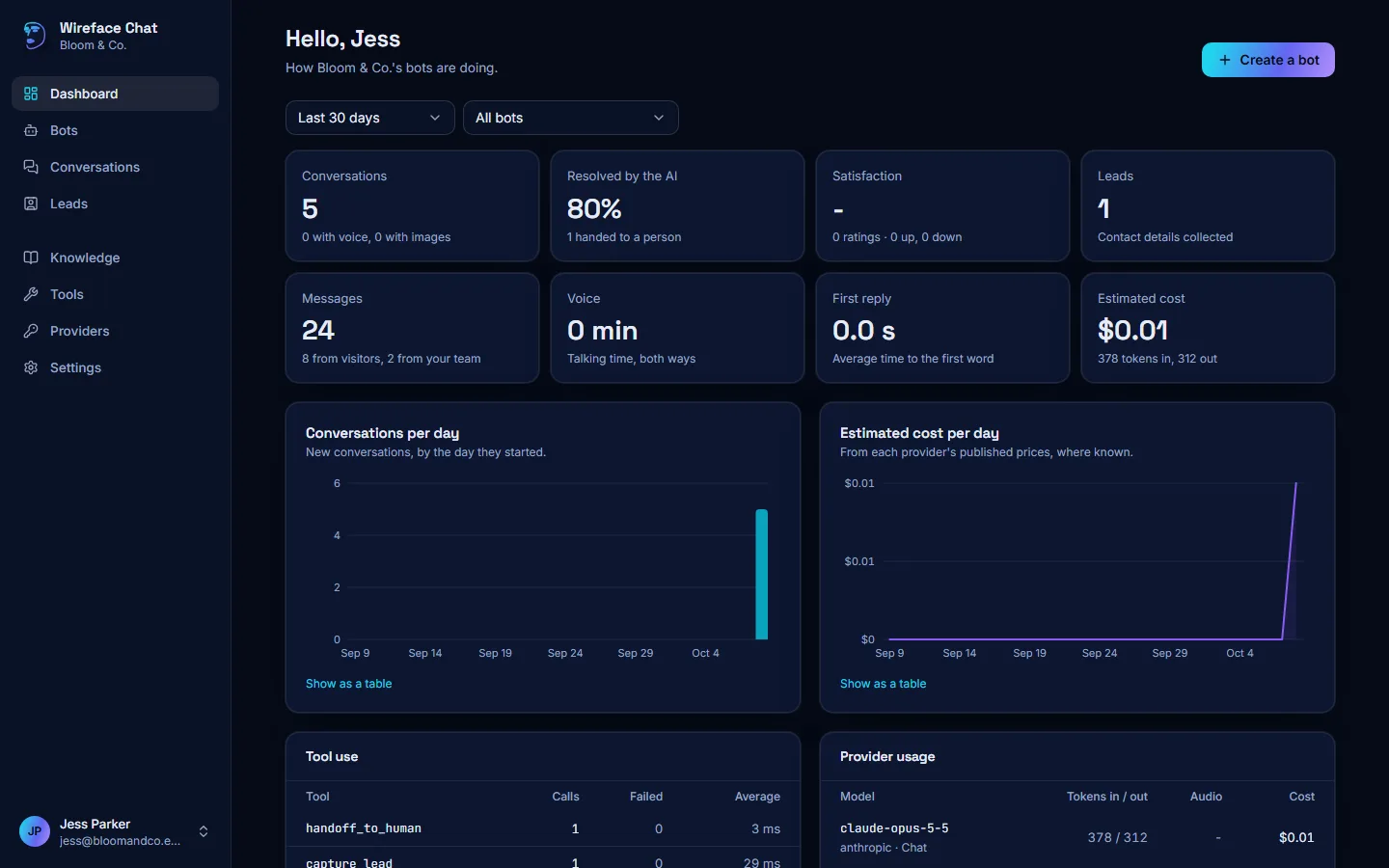
A demo workspace of your own, with a sample florist's bot, its conversations and a lead. Change anything and talk to it; nothing to sign in to. It's deleted after a day, unless you sign in to keep it.
Add it to your site
Paste it before </body> and the chat appears. Change the face, voice or
layout in the admin panel later, and every page updates without touching the code again.
Also as an iframe, an npm package, and for React, Next.js, Vue, Svelte, WordPress and Google Tag Manager: the embedding guides.
<script src="https://chat.wireface.dev/widget.js"
data-bot="pk_your_bot_id" async></script>Getting started
Up to 3 bots, 3 people and 10 knowledge sources per workspace. You can delete your workspace and everything in it at any time. Not ready? Explore the admin first, and keep what you made when you sign in.
Start freeOne Docker container with its own database. Your keys, your data and your visitors' conversations stay on your server.
git clone https://github.com/compsmart/wireface-chatbot
cd wireface-chatbot
docker compose -f docker/compose.yml up -dFree for personal and non-commercial use. On a business's website it needs the commercial licence: £1,000 once, which covers Wireface Chat, Desktop, Core and 2D. How to self-host.
Questions
Talk to the demo on this page, explore the admin with a sample bot, start free with your wireface.dev account, or run it on your own server.