
Devices
Give your device a face.
Smart displays, kiosks, mirrors, humanoid robots and exhibits. Wireface gives anything with a screen and a voice a live, expressive face that talks as your AI talks, with no video to record and no avatar to train.
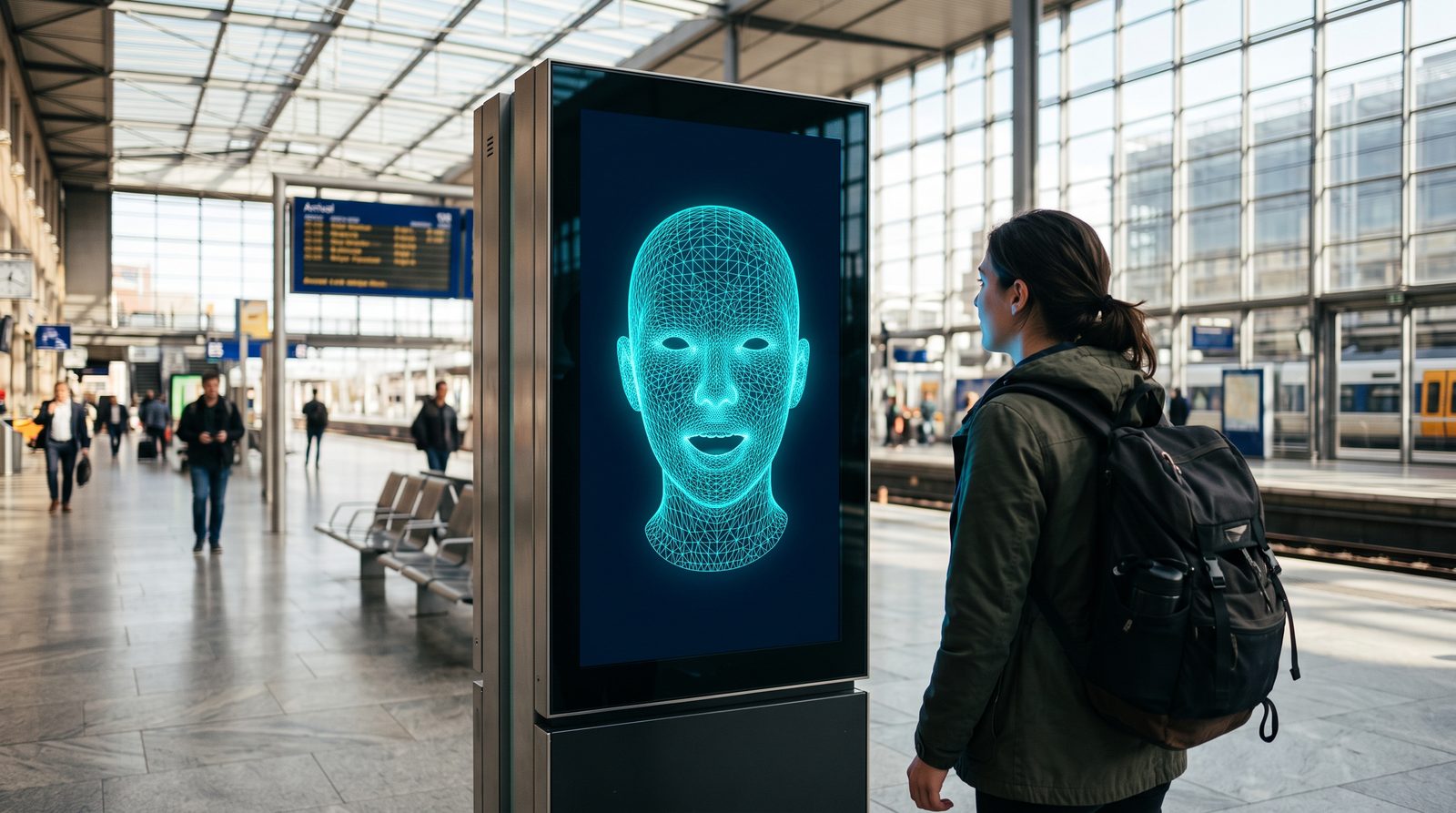
Ideas
Wherever there's a screen
A face makes a device easier to talk to: you can see that it heard you, that it's thinking, and how it feels about the answer. These are a few of the things you could build. The pictures are illustrations, not products you can buy.
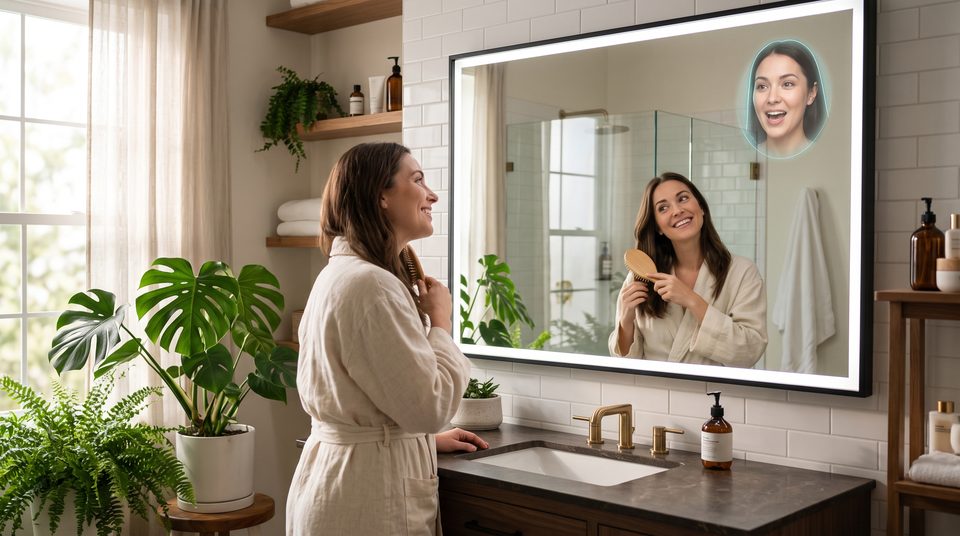
Smart mirrors
A face in the glass for the morning: the weather, the day ahead and the news, from someone who looks back at you.
Illustration
Humanoid robots
A screen for a head is enough. The face blinks, glances, looks where you point it and shows what it feels as it answers.
Illustration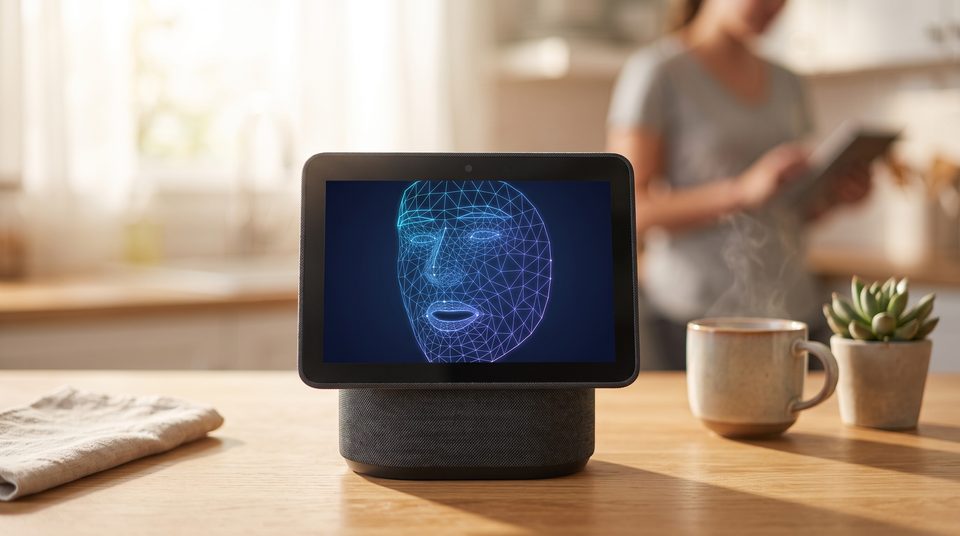
Smart displays and speakers
The assistant on the kitchen counter, with a face that listens, answers and reacts, in any look you give it.
Illustration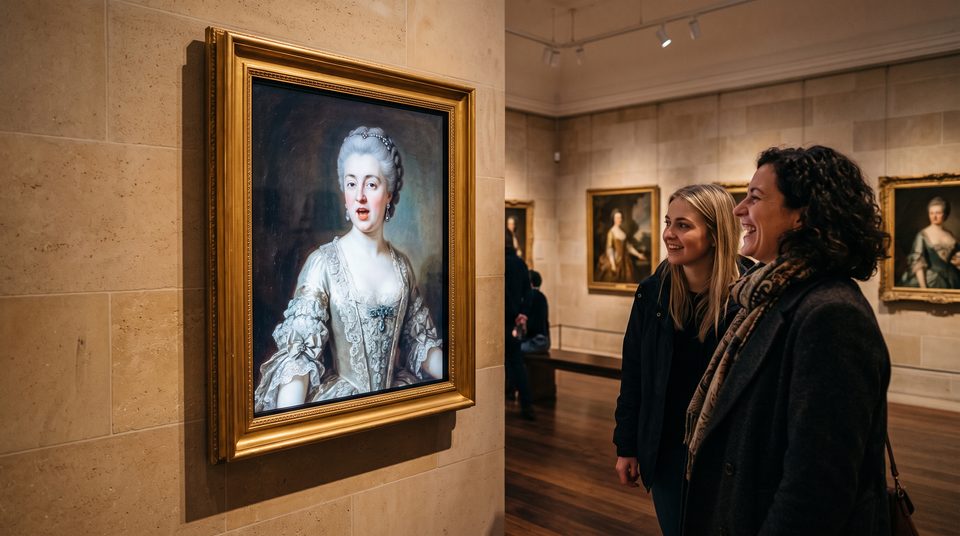
Museums and exhibits
Let a portrait tell its own story. Wireface 2D rigs a painting so it can talk, in the painting's own style.
IllustrationHow it runs
A face drawn on the device
What it needs
- A screen and a browser engine with WebGL2: a kiosk browser, an embedded WebView, Electron, or the browser on a smart display. The face is plain JavaScript, with no build step and no dependencies.
- A voice: whichever AI you connect, such as Gemini Live, OpenAI Realtime, ElevenLabs or your own text-to-speech. The face lip-syncs to its audio as it plays.
- A connection for the AI, unless your voice runs on the device too. The face itself needs no server.
What you can change
- The look: any photo, painting, render, robot or character, with no training. Change it whenever you like.
- The voice and the personality: whatever your AI and its instructions say.
- Expressions and moods: happy, curious, concerned, amused, sad, or your own.
- Colours, wireframe, teeth and movement: from a glowing mesh to a full skin.
Building blocks
Pick the face that fits your screen
Wireface Core
The 3D face: a wireframe or a skin from any photo, with expressions and lip sync, on a canvas.
Wireface 2D
Any flat picture made to talk: a cartoon, anime, pixel art or a painting, in its own style.
Wireface for three.js
A face as geometry, or a face on a screen inside a 3D scene: for characters, robots and digital twins.
Building a device?
Let's give it a face
Tell us what you're making and what it needs to say. We'll help you work out how a face fits, and which licence covers it.