
The activity panel
Every request as a timeline: tool calls grouped and expandable, results, subagents, background tasks, and the cost of each request. Claude Code's full transcript is a tab away. Dock it to the screen edge as a drawer.
Coding
Run Claude Code, OpenCode or Codex behind the face. Say what you want: it works in your repo in the background, asks before it runs or changes anything, and tells you what it found and what it changed.
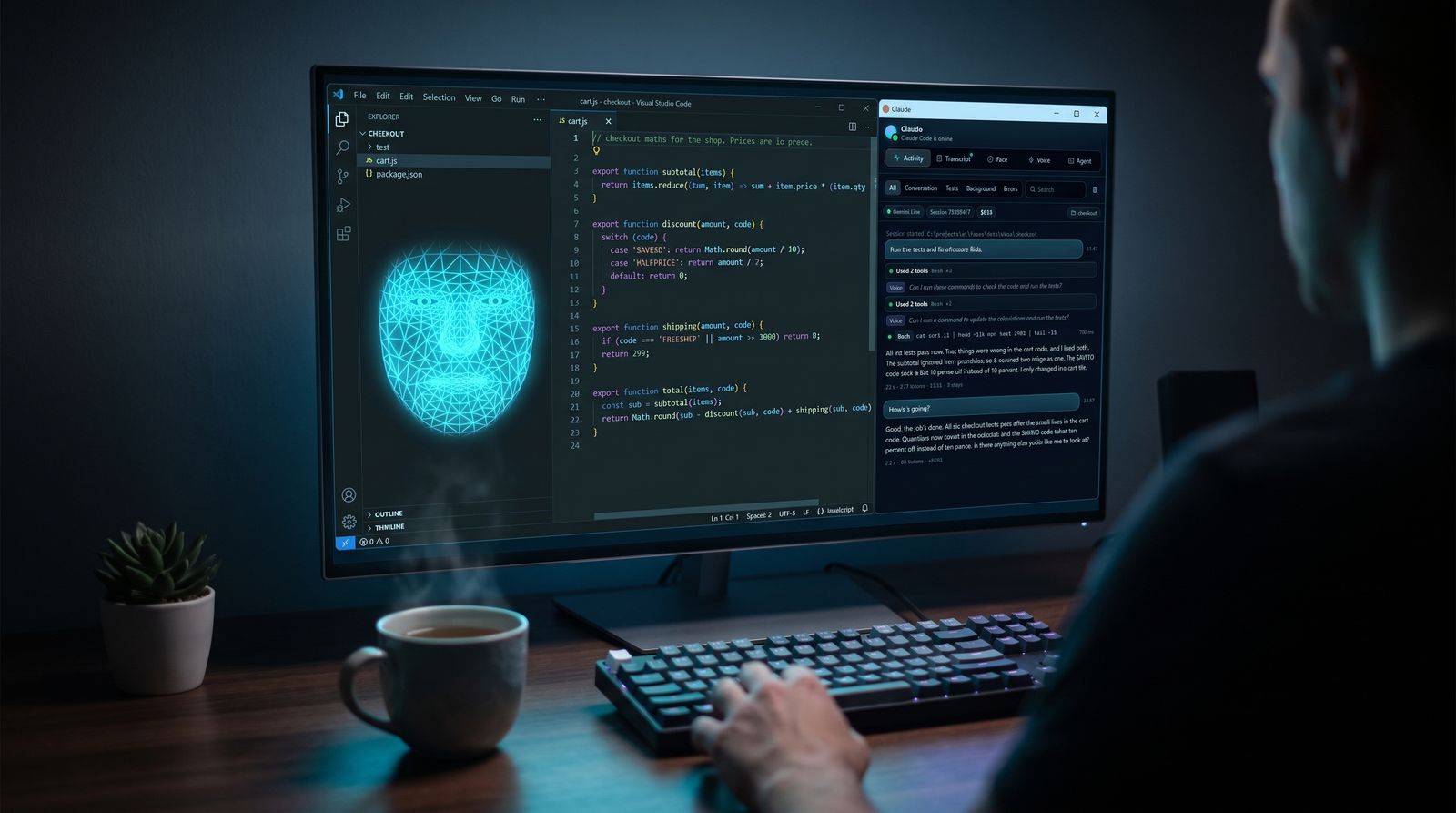
Watch it work
Claude Code finds and fixes two bugs in a checkout module. The face asks before it runs anything, then tells you what was wrong. Recorded in one take, nothing sped up.
Things to say
It reads, runs and edits in the folder you point it at, like it would in a terminal, and you hear the outcome: what failed, what it changed, what it needs from you. Code, paths and links are described rather than read out; the details are in the panel.
Ask "how's it going?" in the middle and the voice answers at once from what the agent has done so far. Say its name to cut in and change course.
While it works
Every request as a timeline: tool calls grouped and expandable, results, subagents, background tasks, and the cost of each request. Claude Code's full transcript is a tab away. Dock it to the screen edge as a drawer.
Claude Code and OpenCode ask before they run a command or change a file. The face asks out loud and shows Allow, Always and Deny; with the microphone on, "yes" or "no" answers. Codex's sandbox mode is chosen up front.
Claude Code can take screenshots and use the mouse and keyboard, drive a Chrome window of its own through Playwright, or work in your own Chrome: check the page it just built, click through a flow, read an error dialog.
Rooms
Put faces in the same room and they behave like a team around you. The room owns the microphone, so you are heard once, and only one face speaks at a time.
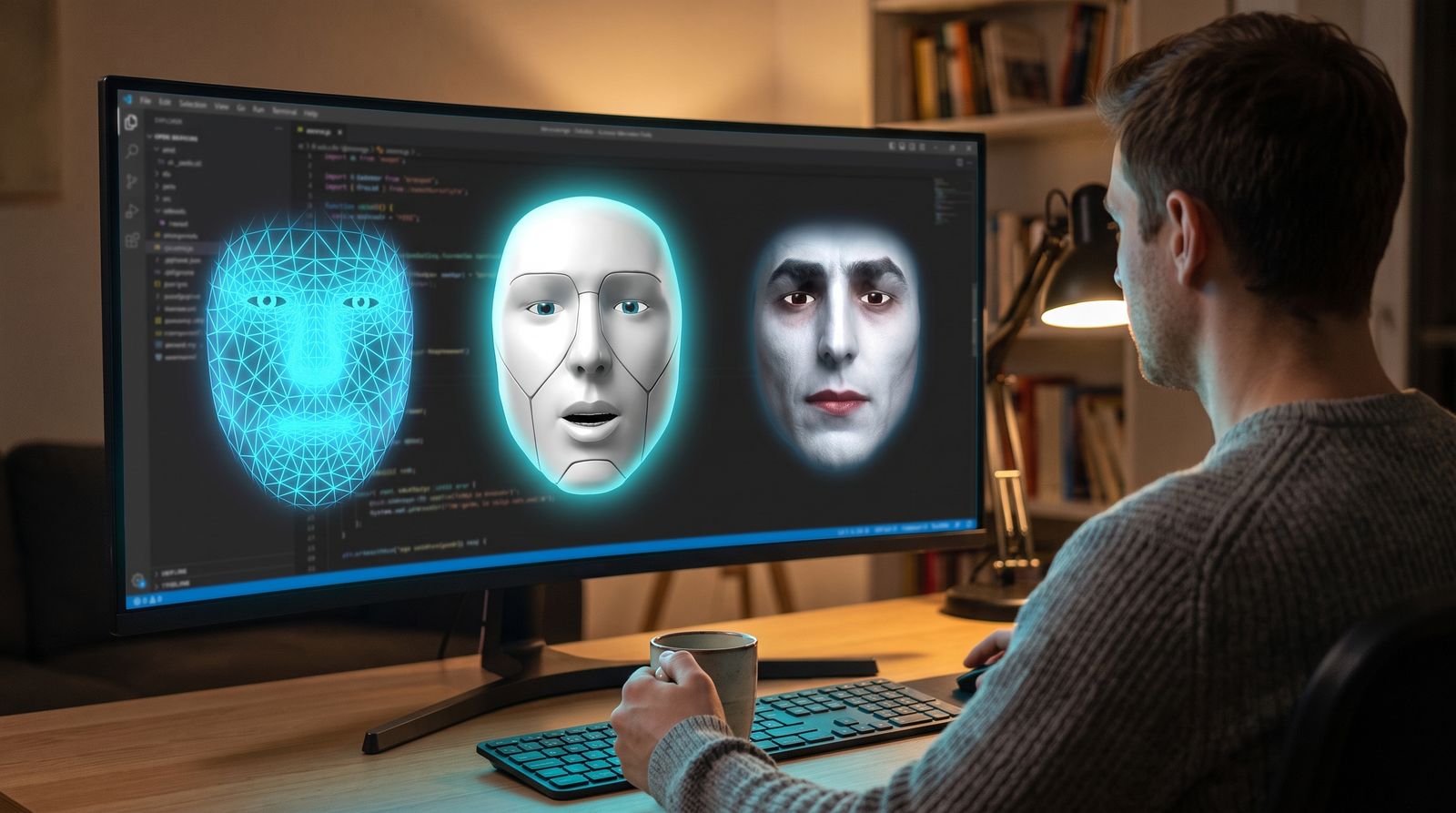



OpenFace.cmd --face claude   --room team
OpenFace.cmd --face codex    --room team
OpenFace.cmd --face opencode --room teamClone it, run one command, pick the folder your agent works in, and say hello.