Say its name to cut in
A small keyword spotter listens for the face's name. Say "Claude" while it talks and it stops within about half a second and listens for what you want next.
Wireface Desktop
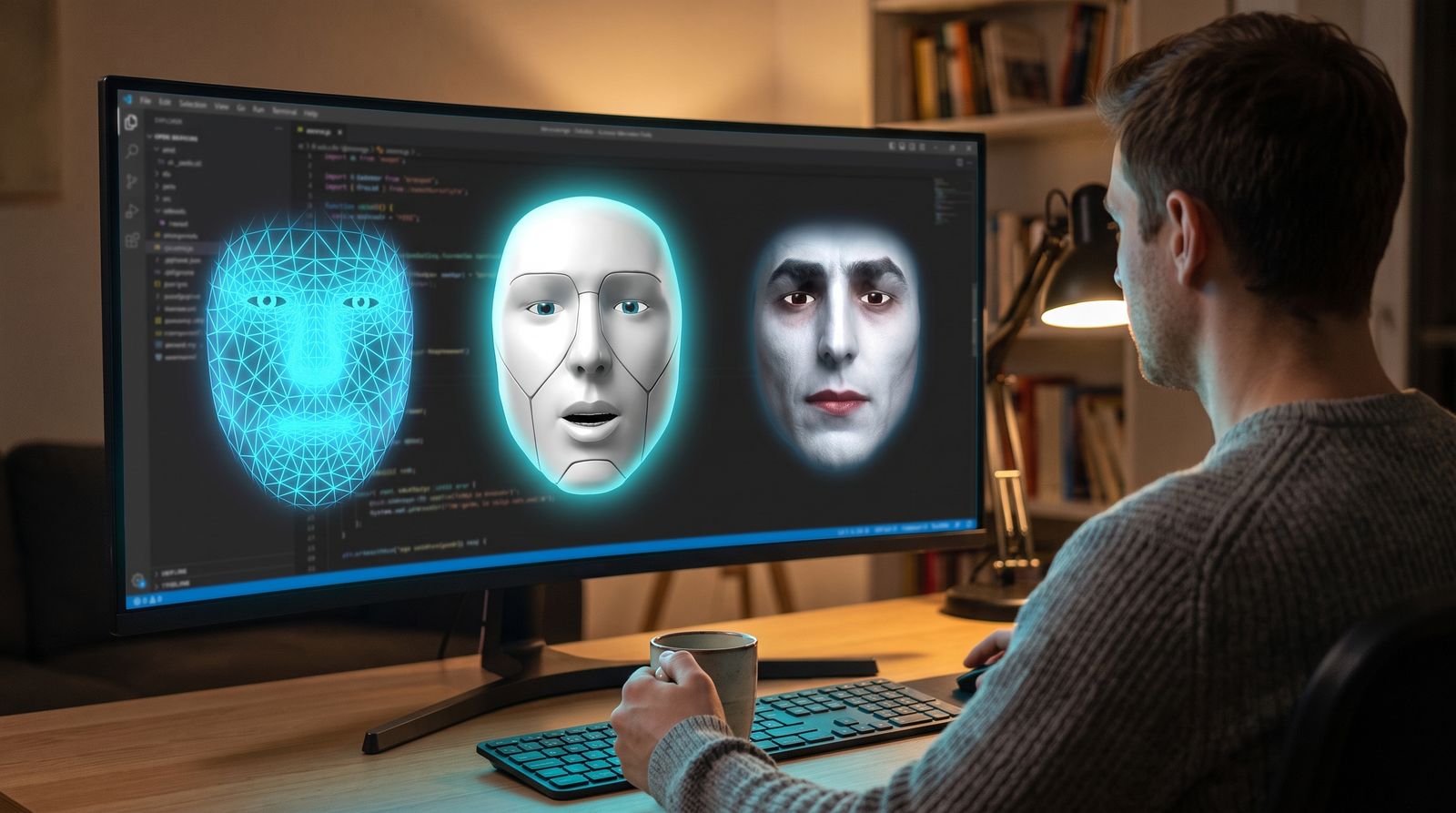
Wireface floats over your desktop and talks with you. Ask it to fix a bug, look something up or plan your week: the agent behind it does the work, and the face tells you how it's going, out loud, as it happens.
Free, for Windows. Runs on Claude Code, OpenCode or Codex, with your own skills, MCP servers and model.
Bring your own harness
You
your words, verbatim
spoken back to you

a face and a voice on top: a new way to work with your agent
prompts
activity, replies, questions
Your harness, as it is
Claude Agent SDKyour sign-in, your model, your CLAUDE.md
OpenCodeopencode acpany provider and model it supports
Codexcodex exec --jsonyour sign-in, its sandbox
Everything you've set up keeps working: skills / MCP servers / models / AGENTS.md / permissions
How the three compare, and how each asks before acting: Agents and permissions.
Watch it work
Claude Code finds and fixes two bugs in a checkout module. The face asks before it runs anything, then tells you what was wrong. Recorded in one take, nothing sped up.
What it does
A small keyword spotter listens for the face's name. Say "Claude" while it talks and it stops within about half a second and listens for what you want next.
Fans, hum and typing are taken out before your words are recognised, and voices much quieter than yours, like a TV or people across the room, are ignored.
Claude Code and OpenCode ask before they run a command or change a file. The face asks out loud and shows Allow, Always and Deny. Skipping permissions is one switch away, and the face wears a red rim while it's on.
Claude Code can take screenshots and use the mouse and keyboard in desktop apps, drive a Chrome window of its own through Playwright, or work in your own Chrome. Clicking and typing ask first.
Happy, curious, concerned, amused, sad: Claude Code sets its own expression with a face tool, and the face takes cues from what it is saying.
Speech recognition runs on your PC, so no audio leaves it. API keys stay in a local file, never in the page or the logs. No realtime voice key? Text-to-speech on your PC reads the agent's replies.
Use cases
The face, the voice and the ears are the same everywhere. What it can do depends on the harness behind it and what you've connected to that.
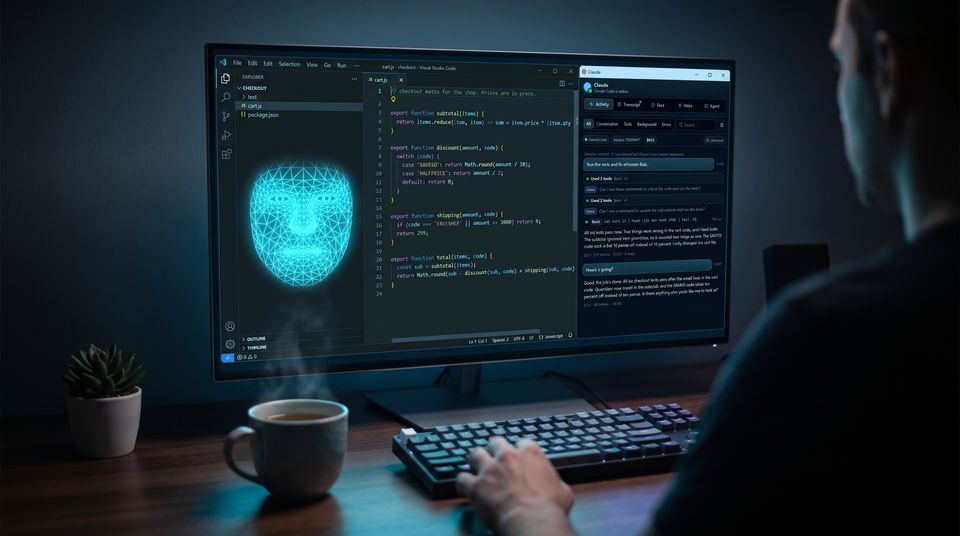
Talk to Claude Code, OpenCode or Codex while they work in your repo. Watch it fix failing tests in a real, unedited demo.
/coding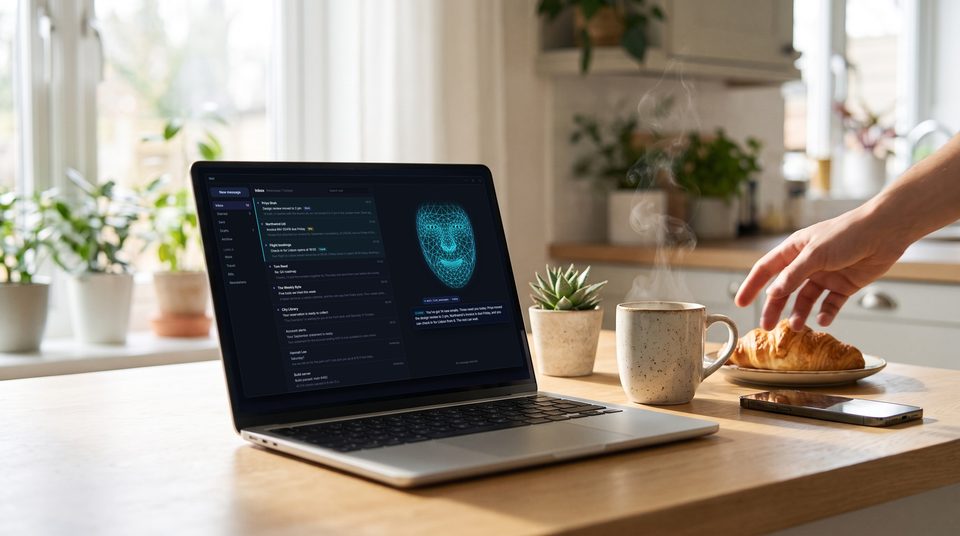
Today's email summed up over breakfast, forms filled in, texts and calls made, each one with your OK first.
/assistant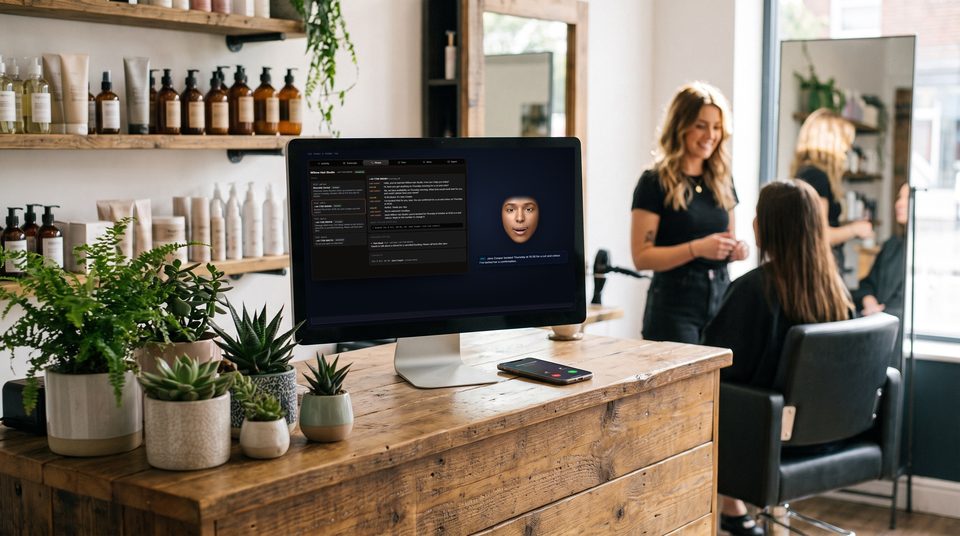
Answers your phone and texts, takes messages and bookings, and tells you what happened.
/receptionistGet started
Free for Windows. Download the installer, pick the folder your agent works in, and say hello. No administrator rights needed.